What Happens to Your Characters and Chats If Character.AI Closes?
A favorite character can represent months of writing, a private fictional world, or a conversation you return to every evening. When a platform's future becomes uncertain, the immediate question is personal: what happens to everything you made there? As of October 15, 2026, Character.AI has not announced a definite shutdown date. Its October 12 update says it remains operational during a Chapter 11 sale process. If continued operation cannot be secured through that process, it says the platform will be wound down. That leaves several different questions about access, stored data, and creative work. They do not all have the same answer.
What Character.AI has confirmed about user data
Concept illustration: existing data guidance does not settle every future access question.
The October 12 announcement says Character.AI's privacy and security practices are unchanged and directs users to its existing Privacy Policy. It also reminds people that account export and account deletion are available. Those are the concrete statements in the announcement; it does not describe a final shutdown data-handling plan. It does not establish a date when chats would disappear, promise permanent access after closure, or explain exactly what would happen to every character and conversation under a new owner. A sale timetable is not a chat-deletion deadline. For now, treat future access as uncertain rather than treating deletion or permanent preservation as established fact. Check subsequent official notices for any changes affecting your account. A useful question to ask of each new notice is whether it addresses access to the service, retention of stored information, or your ability to download a copy. An answer about one of these does not necessarily settle the others.
Your character, your chat, and the model are different things
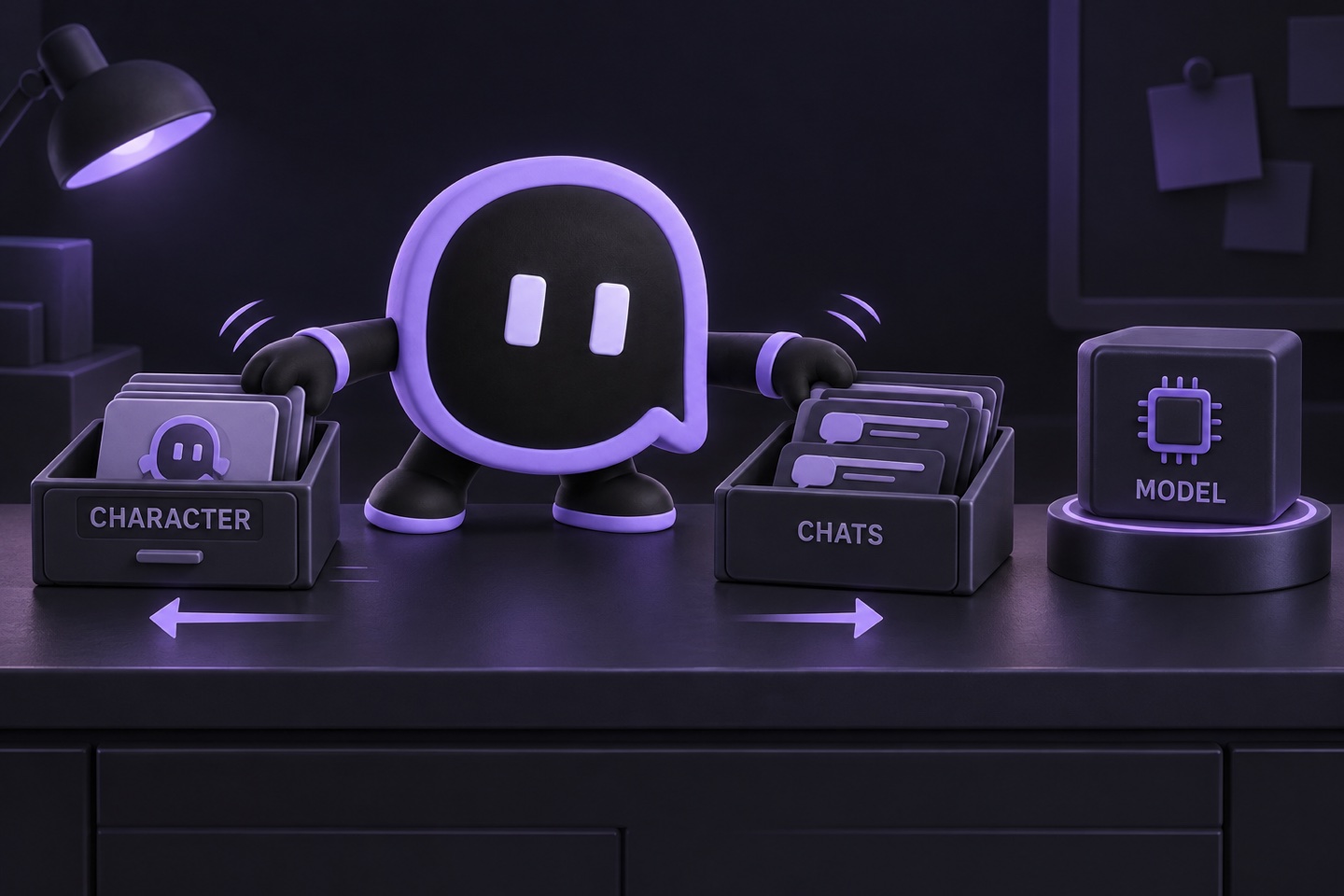
Concept illustration: character writing, conversation history, and the running model are different things.
For preservation purposes, it helps to separate a character's written setup from its conversations and the software producing its replies. Your original character notes might include a personality, greeting, setting, and example dialogue. A conversation is the particular exchange that developed from a prompt: its jokes, plot turns, and emotional context. The model is part of the service that generated responses. Saving text does not save that running service. Even if you keep the same name and opening message, another system may interpret the character differently. Likewise, a public character link is a pointer to a hosted page; it is not an independent copy of the character. Think about what you want to keep: the words of a scene, the idea behind an original character, or a record of how a story evolved. You can preserve useful references for those goals without assuming that a downloaded file can recreate the entire experience.
What an account export can and cannot tell you
Concept illustration: inspect the files supplied rather than assume an export contains everything.
Character.AI's official help center explains how to request account data. On the website, the route is Profile, Profile Settings, Account, Manage Account & Data, then Export Data. In the app, use Profile, Settings, Legal & Privacy, then Export Data. The guide says processing can take 3–4 weeks; the download email goes to the address associated with your account, and its link is valid for seven days after sending. These details were checked on October 15, 2026. The guide does not guarantee that an export includes every chat branch, attachment, private character definition, or piece of the experience you remember. Inspect the actual files when they arrive. Keep an untouched copy, use a separate copy for inspection, and verify that the material you need is present and readable. An export is a copy of the data supplied to you, not a commitment that your online account will remain accessible indefinitely. Nor is it a verified transfer package for another chat platform.
Preserve your own creative work with context
If you created a character, collect your own original writing and the settings you can access in its editor. Save a source document for the concept, background, greeting, and dialogue examples where available. Keep original artwork and a note about any assets licensed from someone else. For a story you care about, a short recap can be more useful than an unexplained pile of screenshots: record the setting, the relationship between characters, the last important scene, and unfinished plot threads. You can also save selected visible messages through text copying where supported or screenshots, then check the saved copies outside the service. Another creator's character needs a different approach. Keep its public link, creator attribution, and your personal story notes, but do not assume visibility grants permission to republish the creator's writing or images elsewhere. Ask before reproducing their work. None of these steps requires extracting hidden definitions or sharing your entire private chat history with a third party.
A future closure would leave questions beyond the chat window
Concept illustration: your original notes can guide a new creation without guaranteeing identical behavior.
Losing access to a service and having information erased from its systems are distinct events. Without a specific official notice, do not assume that either one automatically proves the other has happened. Watch for concrete instructions about export availability, account access, and any final service dates if a wind-down is announced. Keep your archive private: conversations may contain details about your life, and a folder of screenshots can reveal more than you intended. Use storage you control, restrict sharing, and keep a second private copy if the material matters to you. Avoid uploading a whole account archive to an unfamiliar tool simply because it promises continuity. Decide which parts of a story you actually want to carry forward and share only what is needed for that purpose. If you start again elsewhere, an original character outline and your own recap are a manageable starting point. They preserve creative direction while leaving room for a new interpretation.
Give your original character another place to grow
PolyBuzz supports character creation and custom chat personas. If you want to continue developing a character you wrote, you can use your own notes to set it up manually. This is a new creation process: a Character.AI archive is not a verified automatic import, and equivalent memory, responses, or behavior are not guaranteed.
- · Create a character using your original writing or material you have permission to reuse.
- · Use a custom chat persona to establish your role in a new story.
Keep the parts of the story that belong in your own archive
The next official update may change the outlook for Character.AI, but you can already distinguish what you know from what you hope will happen. Preserve your own writing, request the available export, and check the resulting files. A personal archive cannot promise the same AI experience, but it can keep meaningful words and original ideas available to you.
Frequently Asked Questions
Will all my Character.AI chats be deleted if it shuts down?
The October 12 announcement does not set out a final deletion schedule. A possible service closure does not by itself tell you how stored information will be handled. Follow official notices and preserve the material you want to keep.
Can I save a Character.AI character and get the same replies elsewhere?
Saving your own character writing can help you rebuild the concept manually. It does not preserve the original model or guarantee equivalent replies, memory, voice, or behavior on another service.
How long does the Character.AI data export take?
The official help page says 3–4 weeks. Once the download email is sent, its link is valid for seven days. Download the file promptly and inspect what it actually contains.
Can I copy another creator's character to a different platform?
Do not assume a public character grants permission to reproduce its writing or artwork. Keep attribution and the public link, and ask the creator before reusing their creative material. Do not attempt to obtain private definitions.
Can PolyBuzz automatically restore my Character.AI chat history?
This article does not verify an automatic Character.AI history-import feature. PolyBuzz supports creating characters, so you can manually start with your own original notes and a recap, without a promise of equivalent continuity.